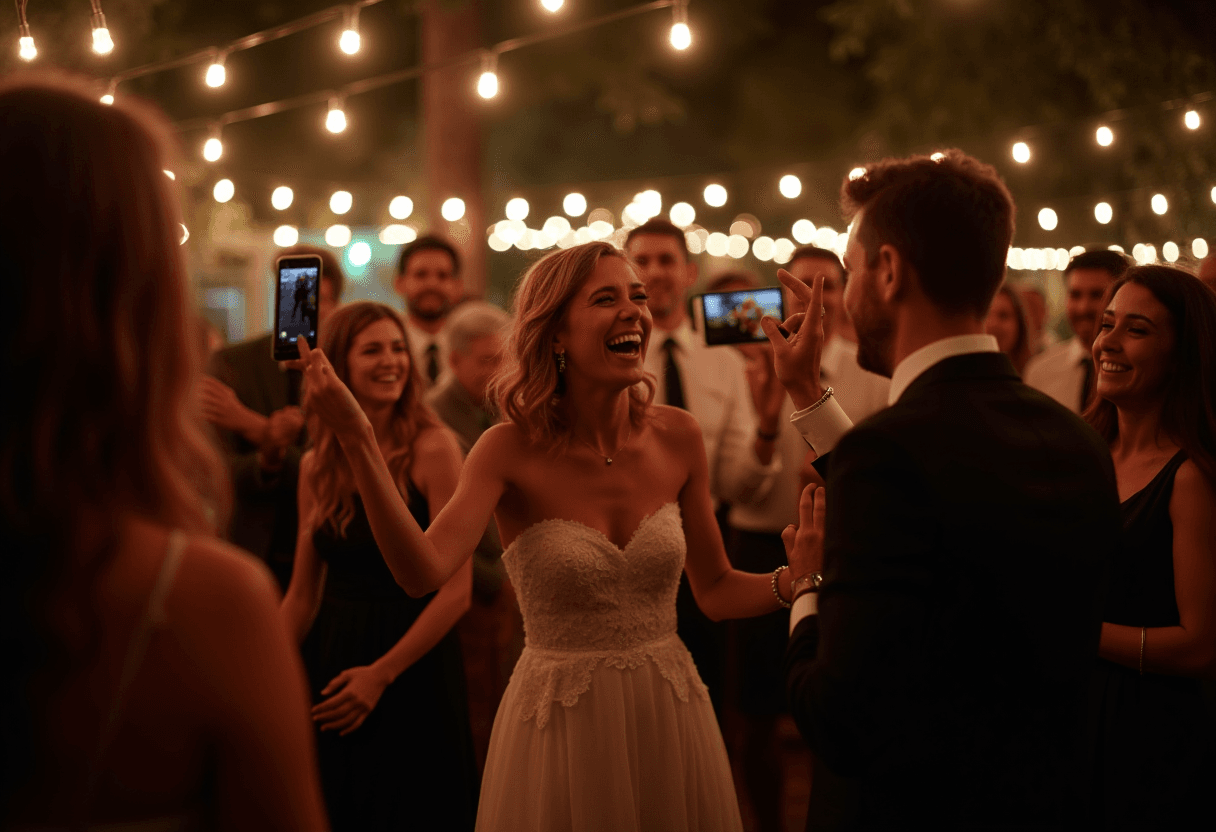
Your photographer will give you a beautiful, professional record of the day — taken from the front of the room, on a planned shot list. What they can't capture is everything else: the table that was crying with laughter during the speeches, the kids under the dessert table, the dance floor at 11pm from the middle of it. Those photos exist, on a hundred phones, and almost none of them ever reach you.
This guide is about catching all of those. It's organised the way the day actually runs — before, during, and after — so you can set it up once and let it work.
Before the day: set up one place for everything
The whole job comes down to giving guests a single, dead-simple place to send photos. A PixVenu gallery is that place: guests scan a QR code, and upload straight from their phones with no app to install and no account to create. That last detail is what makes it actually work at a wedding — your tech-shy uncle will scan a code, but he will not sign up for anything.
Set the gallery up under the wedding event type. A few decisions to make now:
- Name and date. The event title is what guests see at the top; the date controls when the gallery opens to them.
- A theme. Pick a guest-facing look that suits your day — there's a whole post on choosing one.
- Moderation, or not. If you'd rather approve photos before they're public, switch moderation on. If you want the gallery to fill live, leave it off. You can change this any time, even mid-reception.
- Privacy. If you want the day kept off public feeds, add a PIN and point guests here instead — see keeping your wedding off social media.
Then print the QR code. Where you put it matters more than people expect; we go deep on that in where to put your wedding QR code. The short version: an entrance sign plus a card on every table covers most weddings.
During the day: make it effortless and obvious
On the day, your only job is to make the code easy to find and the ask easy to understand.
- Put the code where phones already are — tables, the bar, the photo backdrop, near the dance floor.
- Add five words of context. "Scan to share your photos" turns a mysterious square into an invitation.
- Let someone mention it once. A line from the MC before dinner — "the couple would love your photos, just scan the card on your table" — does more than any amount of signage.
- Sort the night with albums. If your day has distinct parts — ceremony, reception, evening — albums keep the gallery from becoming one endless scroll, and guests can drop photos into the right one.
Everything then happens on its own. Guests upload as the night goes, and if you've left moderation off you can watch the gallery fill in real time.
After the day: gather, enjoy, and keep
This is the payoff — the morning after, every guest's view of your wedding is already in one place.
- See it all in one gallery. No group-chat archaeology, no chasing people for "that one photo."
- Download everything. Pull the whole gallery as a single archive to keep, or save the individual shots you love. The photos are yours, not stranded on someone else's phone.
- Keep collecting. Leave the gallery open for a couple of weeks and the stragglers trickle in — the photos people meant to upload and forgot.
- Relive it. Play the photos back as a slideshow, or revisit the gallery on your anniversary.
A few things that make a real difference
- It's not either/or with film. Plenty of couples scatter a few disposable cameras too — here's how the two compare.
- One link for the whole event. If you start the same gallery as your digital invitation, the link guests use to RSVP is the same one they already know for photos on the day.
- Cost is one-time, not a subscription. See pricing — you pay once for the event.
That's the entire system: one gallery, one QR code, set up before the day and left to run. Your photographer gives you the wedding from the front of the room; this gives you it from every other angle. If you want to start now, it takes about two minutes.
