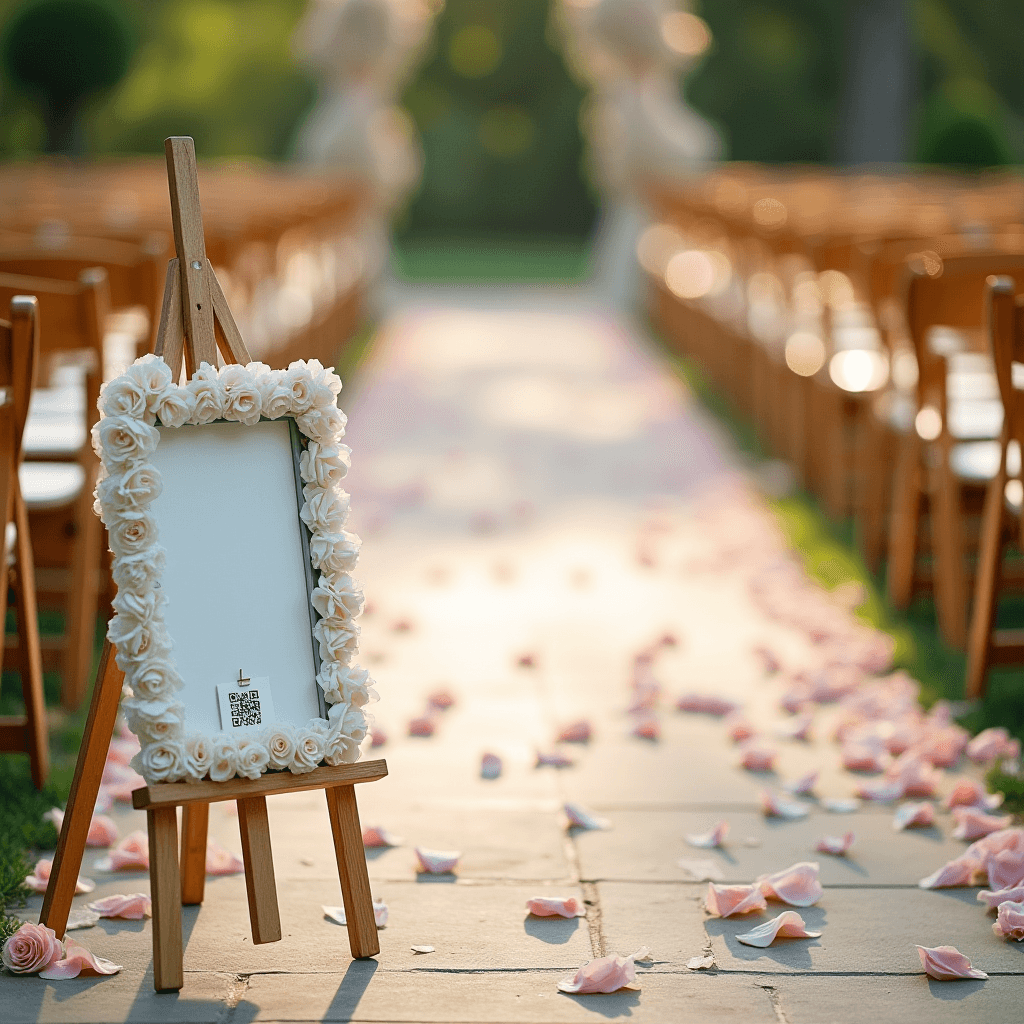
How it works for guests
No app downloads. No accounts. No friction in the middle of the moment.
 1
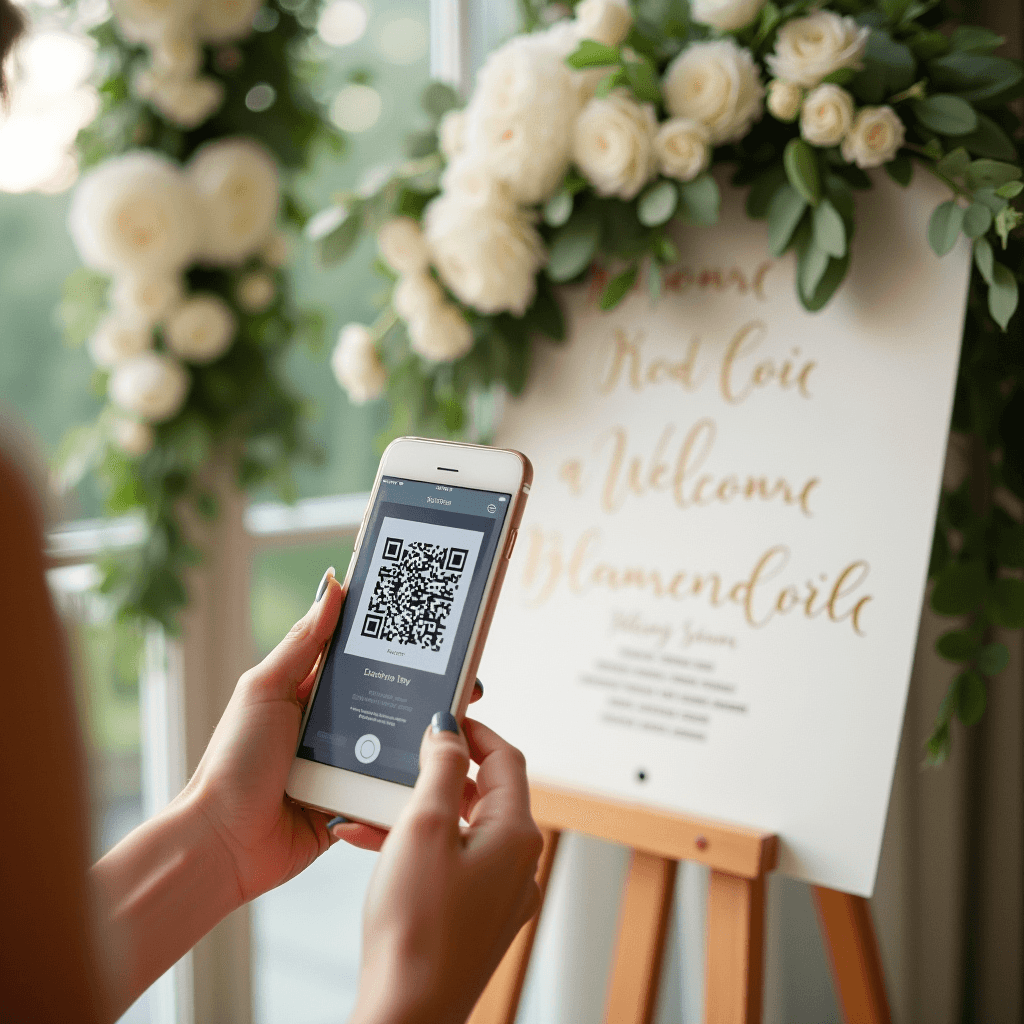
1Scan the QR code
Guests point a phone at the QR code on your sign, table card, or invitation. The gallery opens in their browser — that's the whole onboarding.
 2
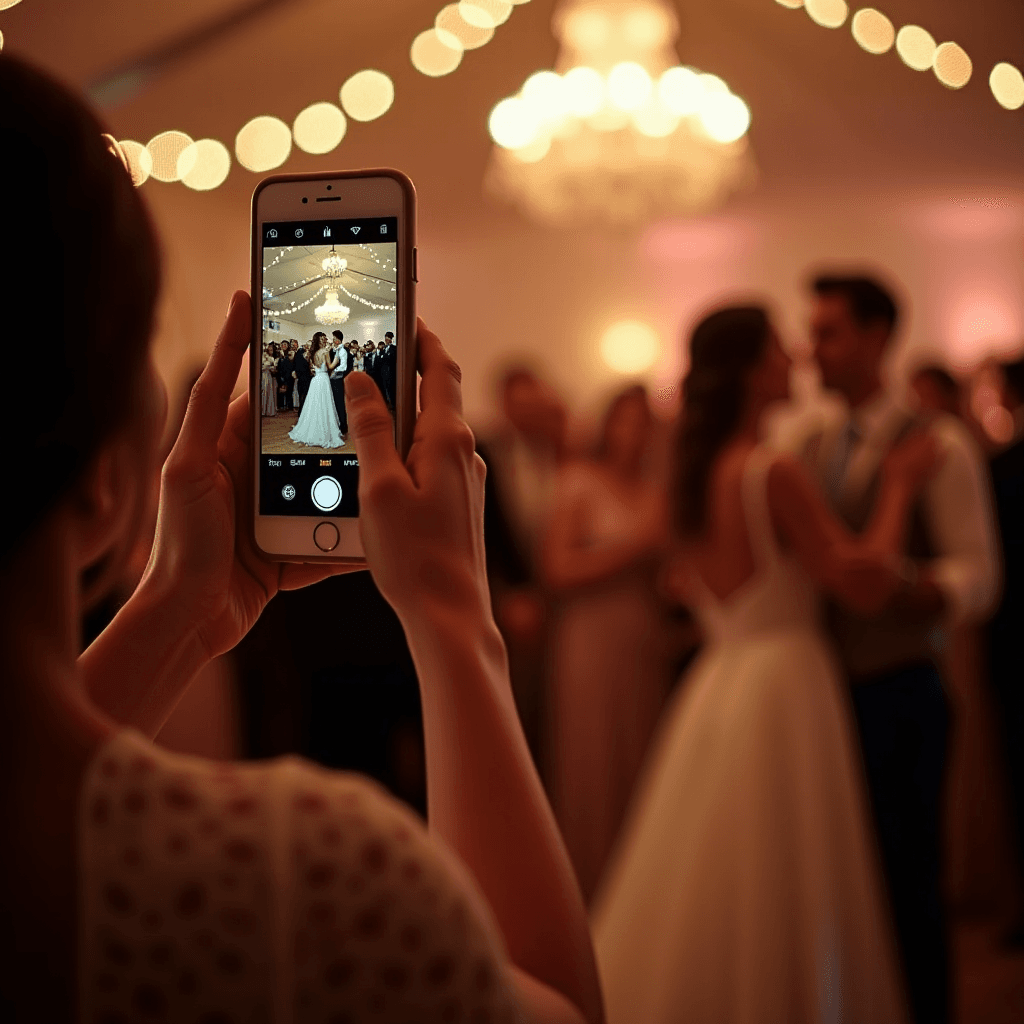
2Upload photos and videos
Guests pick what they want to share and upload straight from their camera roll. They can leave a written, audio, or video guestbook message at the same time.
 3
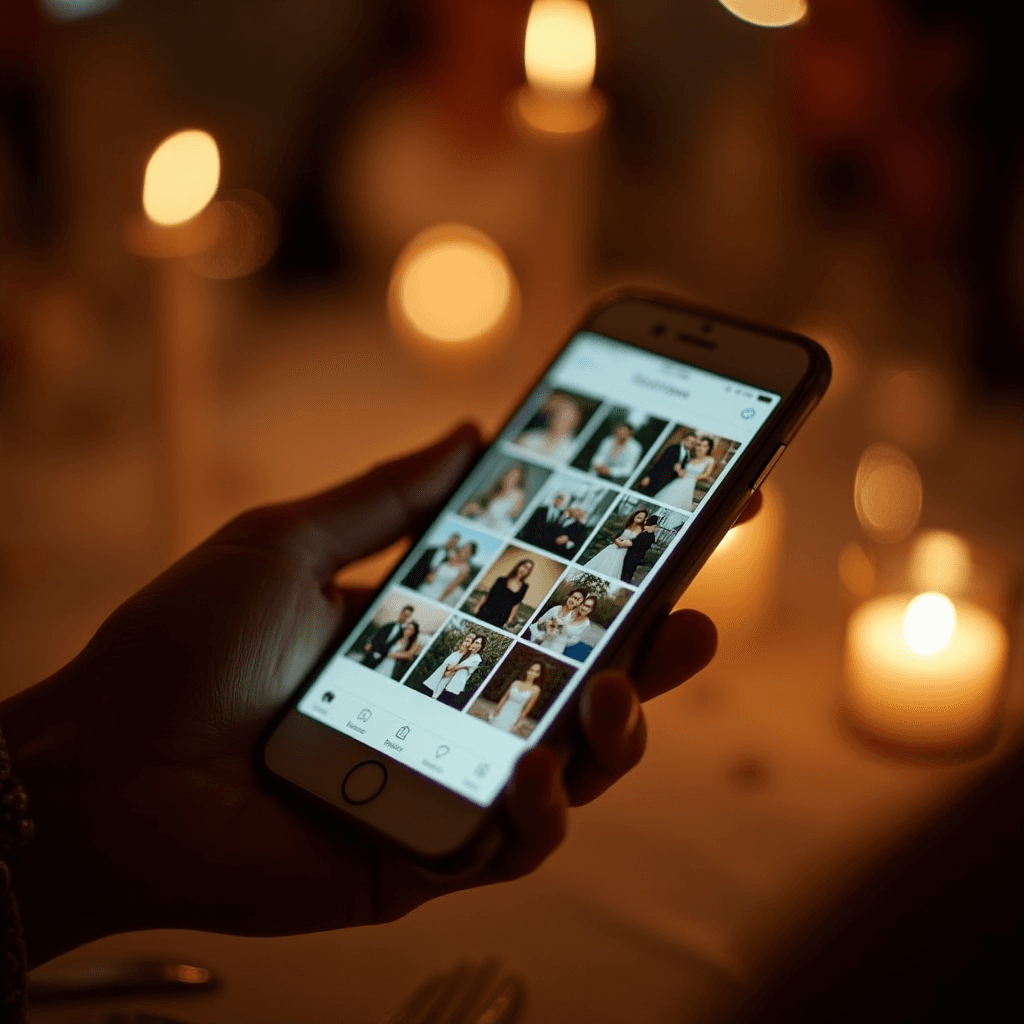
3Relive the night together
The gallery updates in real time as more guests upload. By the end of the event, every angle is in one place — and it stays there long after the music stops.
How it works for hosts
Three steps. Most hosts are set up in under five minutes.
- 1
Create your event
Add the date, give your event a name, and pick a welcome message. We recommend one gallery per event — it keeps each celebration its own keepsake.
- 2
Share your QR code or link
Print the QR code on signage, table cards, or take-home favors. Or send the private link by text, email, or chat — whichever fits how your guests communicate.
- 3
Keep every memory, forever
Photos and videos roll in live. Download the full-resolution archive at any time — your copyright, your gallery, your call on what stays private.
Pricing tailored to your event.
Pick your event type to see what's included.
Loved and used for
- Weddings
- Engagement parties
- Birthdays
- Kids' parties
- Baby showers
- Anniversaries
- Graduations
- Reunions
- Memorials and funerals
- Holiday parties
- Corporate events
- Community events
- Festivals
- Milestone celebrations
With PixVenu, you also get
Private link or QR code
Every gallery has a unique code and shareable link — your event stays unlisted and off search engines, reachable only through the code or link you share.
Live slideshow
Project the gallery on a screen at your venue and watch new photos appear as guests upload them.
Written, audio, and video guestbook
Guests leave messages alongside their photos. Export the full guestbook whenever you're ready.
Full-resolution downloads
Bulk-download every photo and video at original quality — no compression, no expiry on owning your files.
Albums and moderation
Organize uploads into albums, hide what you don't want shared, and decide who sees what.
Ready-made signage
Editable templates for signage, table cards, and take-home favors — branded to your event in minutes.
Digital invitations
Send your save-the-date and RSVP from the same gallery your guests will upload to later.
Built for engagement
Designed to feel as friction-free as a group chat, so guests actually contribute their best shots.
Event already over?
PixVenu still works. Send your private link to guests after the fact and watch the photos roll in. Most hosts are surprised by how much guests still have to share.
See pricingWhat kind of event are you hosting?
From the biggest day of your life to a quiet Tuesday gathering — PixVenu adapts to the event.
Ready to set up your gallery?
Two minutes from here to a QR code your guests can scan.
