"Put a QR code on the table and guests upload their photos" sounds almost too simple to trust. It's worth understanding what's actually happening behind that little square, because once you see how few steps are involved, you understand why it works where every other method tends to fail. This is the mechanism, plainly explained.
What a QR code actually is
A QR code is just a link, drawn as a pattern a camera can read. Instead of typing out a long web address, a phone's camera "reads" the square and offers to open the link it encodes. That's the whole trick: it turns a fiddly thing (typing a URL correctly) into a frictionless one (pointing a camera).
For photo collection, the link it encodes is the address of your gallery. So scanning the code is exactly the same as typing your gallery's web address — just instant and error-free.
What happens when a guest scans yours
Here's the actual sequence, start to finish:
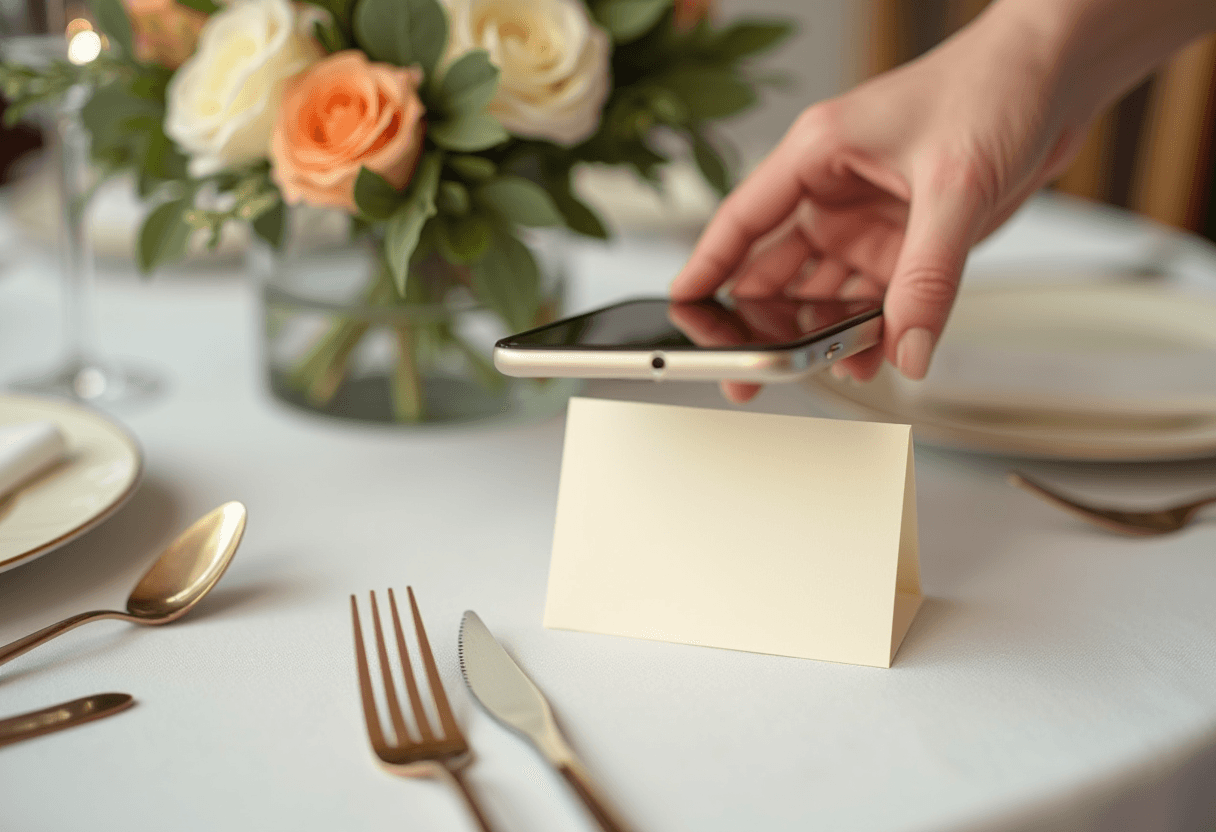
- The guest opens their camera and points it at the code on the table card or sign.
- A link appears — their phone recognises the QR code and shows a tap-to-open notification.
- They tap it, and your gallery opens in their normal phone browser. Nothing downloads; it's just a web page.
- They add photos straight from their camera roll, or take a new one on the spot.
- The photos land in your gallery — and, if you've left moderation off, appear for everyone almost immediately.
Two taps and a choose-photos step. No app store, no account, no password, no typing. That's the entire interaction, and it's the same on any phone.
Why this beats the alternatives
Every other way of collecting group photos adds steps that this removes:
- Versus "download our app": no install, no sign-up. The single biggest drop-off point is gone. (More on why the no-app approach wins.)
- Versus texting you the photos: texts compress images and scatter them across your messages. A QR upload keeps full quality and puts everything in one place.
- Versus "here's a link, type it in": nobody types a URL correctly at a party. The code removes the typing — and the typos.
The QR code isn't a gimmick; it's the shortest possible path between a guest holding a photo and you having it.
What you can do with the code itself
The code is generated for you the moment you create a gallery — there's nothing to design. A few things worth knowing:
- You can recolour it to match your event's palette, so it looks like part of your stationery rather than a stuck-on square.
- Albums can have their own codes, so a code at one station drops photos straight into the right album.
- It's reusable and durable — the same code works before, during, and after the event, on as many signs and cards as you like.
Then it's just a matter of where you put it — which, since placement is what decides how many people actually scan, gets its own post.
The takeaway
QR-code photo collection works because it removes every step it possibly can. The code is a link a camera can read; scanning it opens your gallery in the browser everyone already has; uploading is two taps. There's no simpler way to get a roomful of people's photos into one place — which is exactly why it's become the default. See it for yourself on the demo, or set up a gallery in about two minutes.
