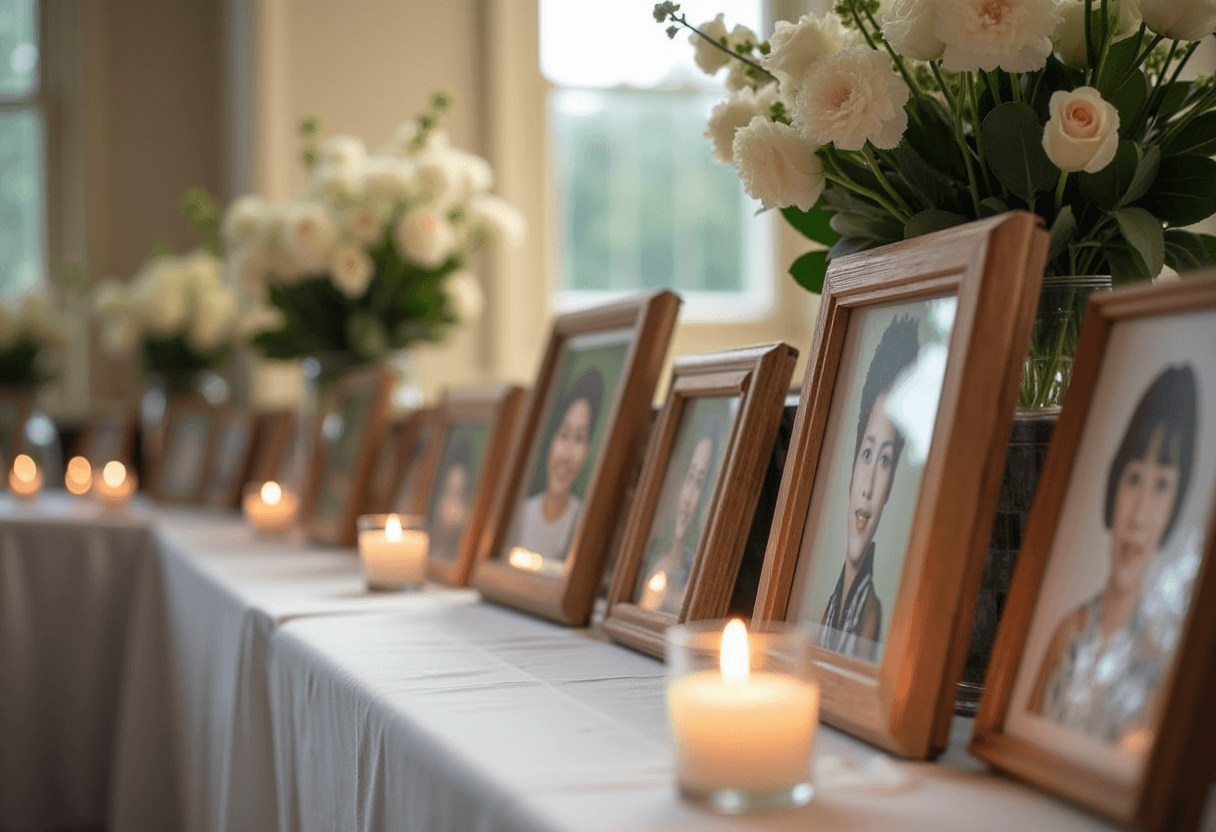
When someone dies, the family ends up holding only their own slice of the pictures. The photos from the friend they travelled with at twenty-five, the colleague they sat beside for a decade, the neighbour who saw them every morning — those live on other people's phones, and they're often the ones the family has never seen. A memorial photo display works best when it can hold all of it, not just what one household happened to keep.
This is a gentle guide to building that display for a service or a celebration of life: the physical part people gather around, and a quiet digital gallery that lets everyone who knew them add what they have.
Start with the physical display
A printed display gives people somewhere to stand, to point, to tell a story. A few things make it feel considered rather than assembled in a hurry:
- Span the whole life, not just the end. A childhood photo next to a recent one tells more than a wall of the same era. People want to see the whole person.
- Group loosely by chapter. Family, work, travels, the hobby they loved. It gives visitors a thread to follow and a place to find themselves in the story.
- Leave room. Empty space around the photos reads as calm. A crowded board reads as rushed.
- Let a few images be large. One or two big prints anchor the display; everything else can be smaller around them.
The printed board is what people gather at on the day. But it can only hold what you had time to gather — and it can't grow.
Add a gallery the whole room can contribute to
This is where a PixVenu memorial gallery does something the board can't. Create one under the memorial event type — it opens with a quiet, restrained theme suited to the occasion rather than anything bright or celebratory. Then print a small QR code and place it beside the display, on the order of service, or on the cards at each table.
Anyone who attends can scan it and add the photos they have of your loved one — straight from their phone, with no app to download and no account to create. The pictures the family never saw start arriving from the people who were there for the parts they weren't. By the end of the day, the gallery holds a fuller picture of a life than any one person could have assembled.
A few settings make it right for this moment specifically:
- Moderation. Turn it on so every photo waits for a family member's approval before it appears. Nothing arrives in the gallery unseen, and you stay in gentle control of what's shared.
- A guestbook. Alongside photos, people can leave a written memory or a few words of condolence — a digital guestbook that becomes its own keepsake, the modern version of the book by the door.
- A welcome message. A short note at the top of the gallery — who it's for, and an invitation to share — sets the tone before anyone uploads.
Let it stay open afterward
Grief doesn't keep to the day of the service. People who couldn't travel, or who weren't ready, often want to contribute later — a photo they found while looking through old albums, a memory that surfaced weeks on. Leaving the gallery open for a while after the service gives them that space, and gives the family something that keeps gently growing instead of closing the moment everyone goes home.
When the family is ready, the whole gallery can be downloaded as a single archive to keep — every photo and every written memory, in one place, theirs to hold onto.
A board on an easel honours a person for an afternoon. A gallery everyone can add to honours them with the parts of their life only other people remember — and keeps it somewhere the family can return to. If you're setting one up, two minutes is genuinely all it takes.
